Making AI feel
calm and useful
I’m John, a designer and developer in Manila. I build AI products that work where people need them: Ligaya, a voice agent for emergencies, and Lumina, a family of image, video, and science tools that run entirely on a laptop GPU.
-
fig. 01 · Ligayaandroid
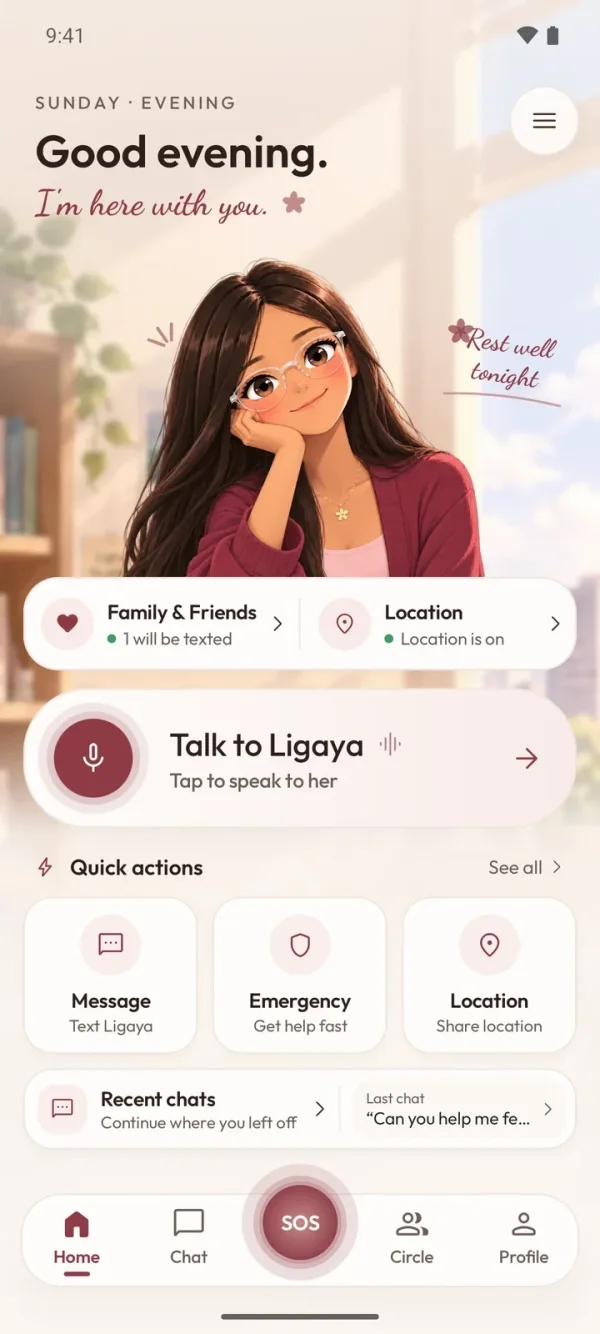
- say “Ligaya, tulong” to start a call
- shares your location with responders
- one-tap emergency, no talking needed
Android · An emergency voice agent. Hears “Ligaya, tulong,” asks what’s wrong, and alerts the nearest police, fire, or medical service.
Visit Ligaya -
fig. 02 · Lumina Studiolocal image ai
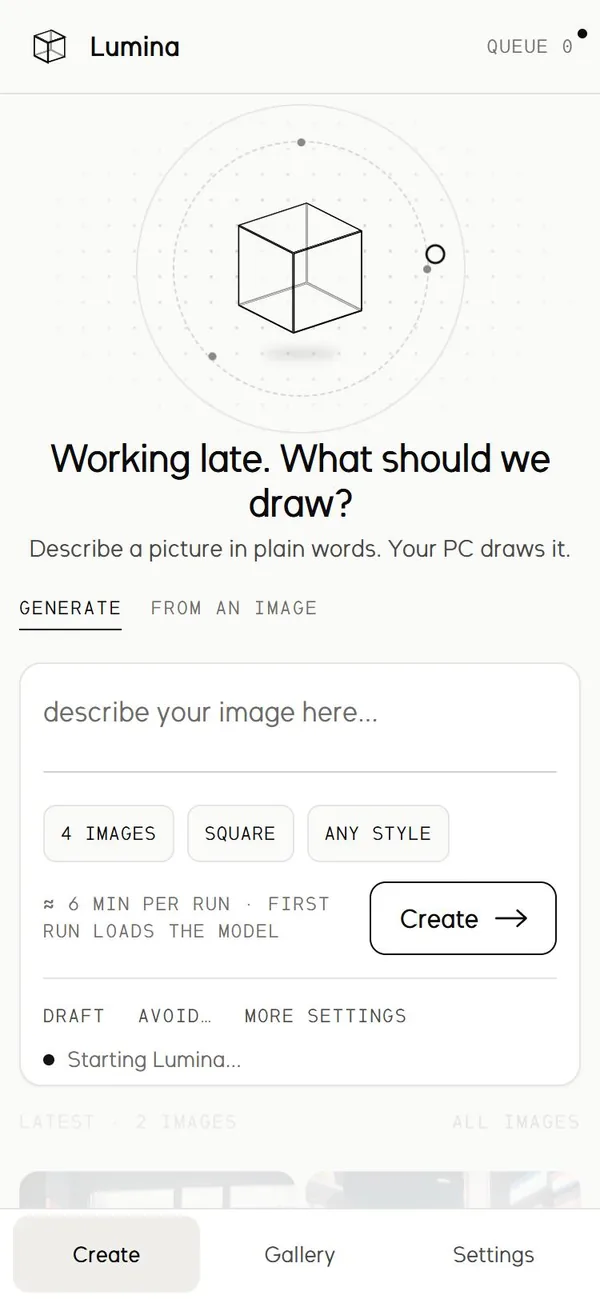
- describe a picture in plain words
- 4 images per run, any shape or style
- queued and drawn on your own GPU
Local image AI · Draw anime with Animagine XL or photos with Krea 2 Turbo, then upscale or cut out the background, all on an 8 GB laptop GPU.
Explore Lumina Studio -
fig. 03 · Lumina Videolocal video ai
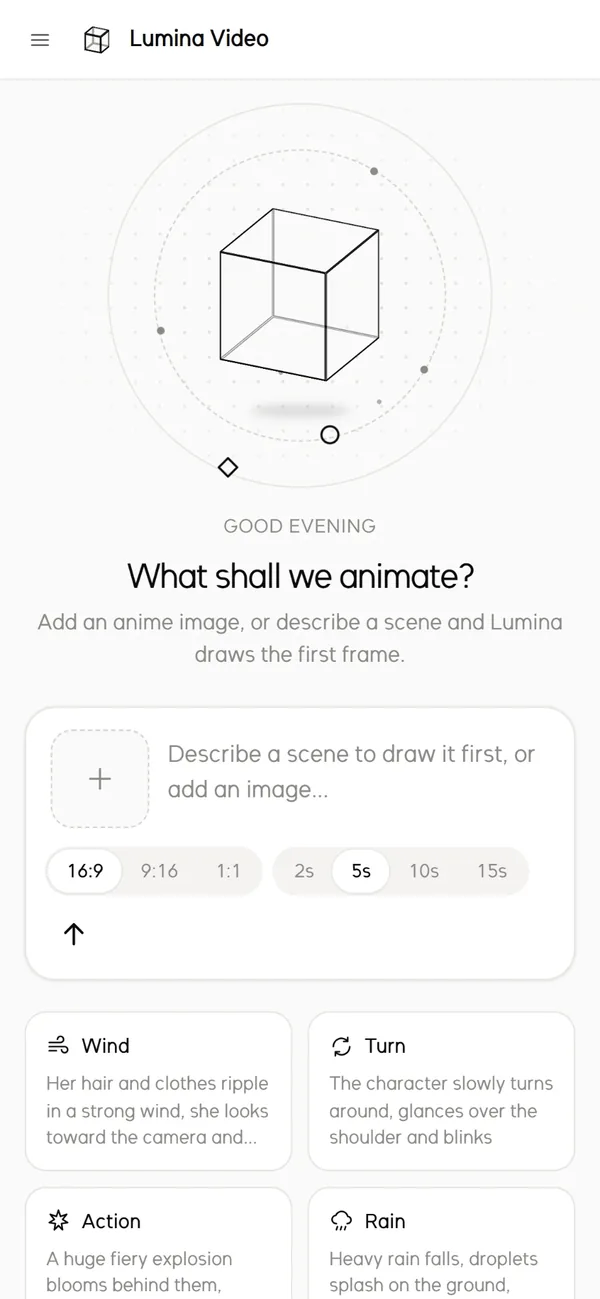
- add a picture, or describe one to draw
- pick the shape and 2 to 15 seconds
- AniSora animates it on your own GPU
Local video AI · Anime image-to-video with AniSora V3.1, plus a storyboard and node editor for whole stories.
Explore Lumina Video -
fig. 04 · Lumina Sciencelocal research ai
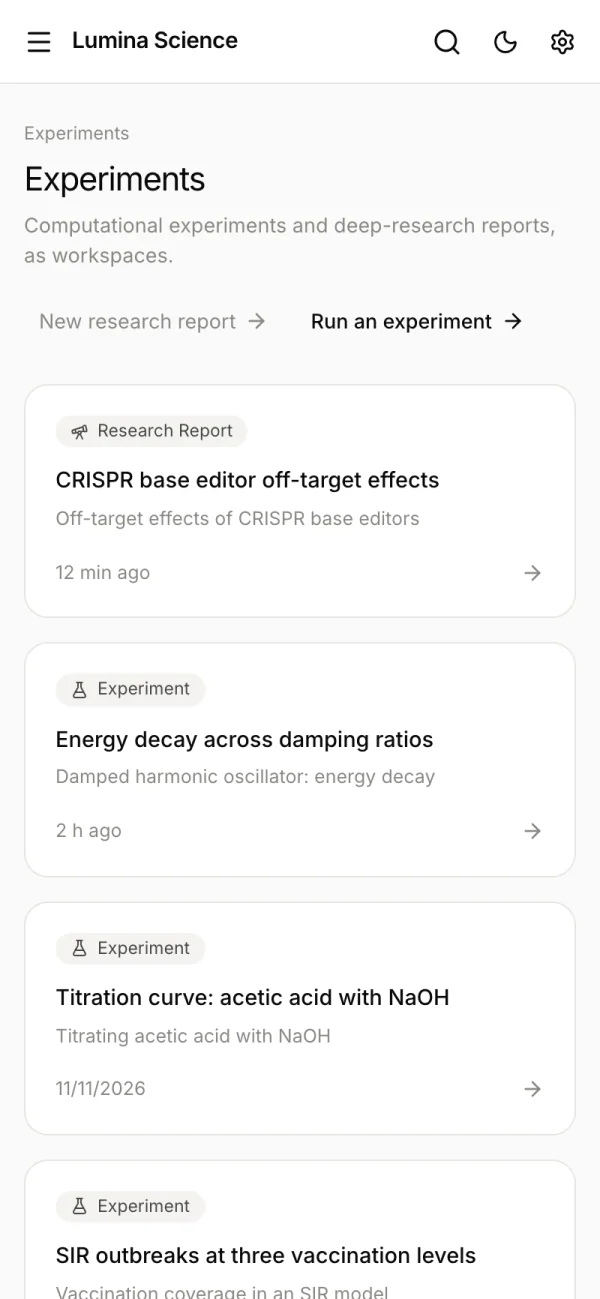
- research reports that cite every claim
- start an experiment in plain words
- Python runs in a sandbox
Local research AI · A research workbench that searches papers, runs experiments, and cites every claim.
Explore Lumina Science -
fig. 05 · Lumina Typetypefaceslumina sans · 400–600 Aa abcdefghijklm 0123456 lumina mono Aa 0O 1lI fn(x) AgAgAg
- Lumina Sans, a geometric monoline sans
- Lumina Mono, its monospaced partner
- three weights, about 7 KB each
Typefaces · Lumina Sans and Lumina Mono, the family’s own typefaces, drawn in code and used across this site. Click the row to try them.
Explore Lumina Type -
fig. 06 · All projectscontact sheet
Index · Every project in one place: apps, local AI tools and typefaces, each with its notes.
See all projects
Ligaya listens for distress shouts like “Ligaya, tulong,” finds the nearest police, fire, and medical services, and talks you through it with two-way speech. A one-tap SOS button means mute and non-verbal users can call for help too.
Fire station alerted1.2 km away
Can’t speak? One tap sends the same alert.
Wake phrase
Listens for shouts like “Ligaya, tulong” in Filipino.
One-tap SOS
Built for mute and non-verbal users who can’t speak up.
Android · Kotlin · Gemini
A native Android app with Gemini doing the reasoning.
Two local-first studios built to run open models on an 8 GB laptop GPU. Prompts, images, and videos stay on the machine, and the servers only listen on 127.0.0.1. No accounts, no uploads, no cloud bill.
What should we draw?
 Generated


Sentences to tags
Studio rewrites a plain prompt into the tags Animagine was trained on.
Upscale 4×
Tiled Real-ESRGAN, so VRAM stays low on large images.
Storyboard
Video plans a story as shots joined by crossfades, with a title and music.
Extend to 30 s
Each 5-second part starts from the last frame, so the character stays the same.
A local science assistant that runs Qwen3.5-9B through Ollama on your own GPU. It searches more than 250 million papers, reads your PDFs, runs Python in a sandbox, and draws interactive visuals. Every claim is numbered back to a real source you can check.
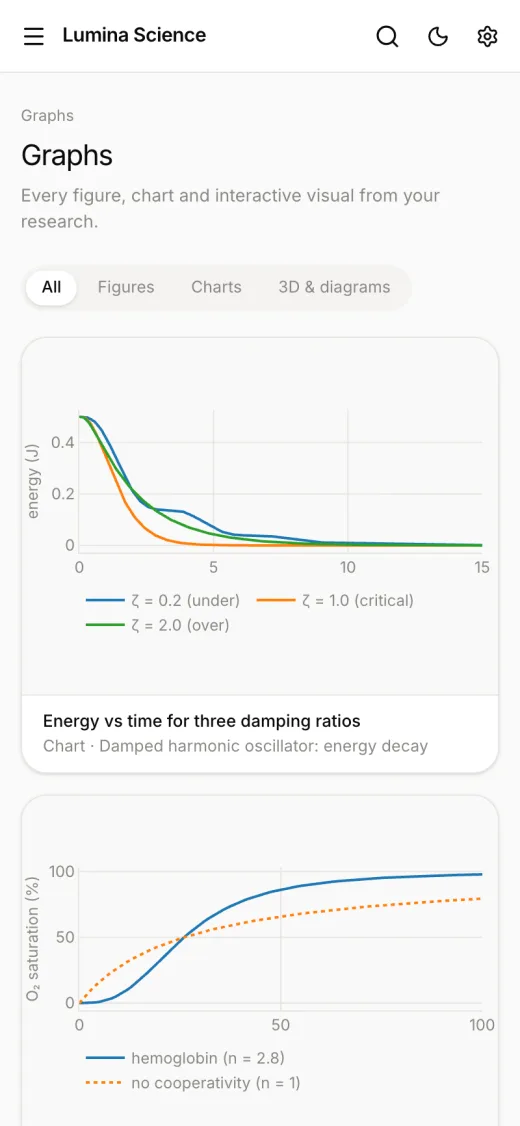
Deep research
Plans sub-questions, reads the literature, and writes a cited report.
Experiments
Hypothesis, method, code, results, and limitations, saved as a write-up.
Checked citations
Sources that don’t match a real paper are flagged as unverified.
Your library
Drop in PDFs or spreadsheets and ask about them, with page-level citations.
Fitting big models
into 8 GB of VRAM
Lumina Studio
A FastAPI server, a no-build web UI, and a job queue that survives a restart. Animagine XL 4.0 fits fully in 8 GB; bigger models get a memory mode picked from your VRAM.
Lumina Video
AniSora V3.1: Wan2.1-I2V-14B fine-tuned on anime and distilled to 8 steps. Its fp8 weights stream to the GPU one block at a time while the previous block computes, and the 5.7B text encoder runs on the CPU.
Have something
worth building?
I’m open to freelance work, internships, and conversations about AI tools that should feel simpler than they do. I usually reply within a day or two.